09/11/2026
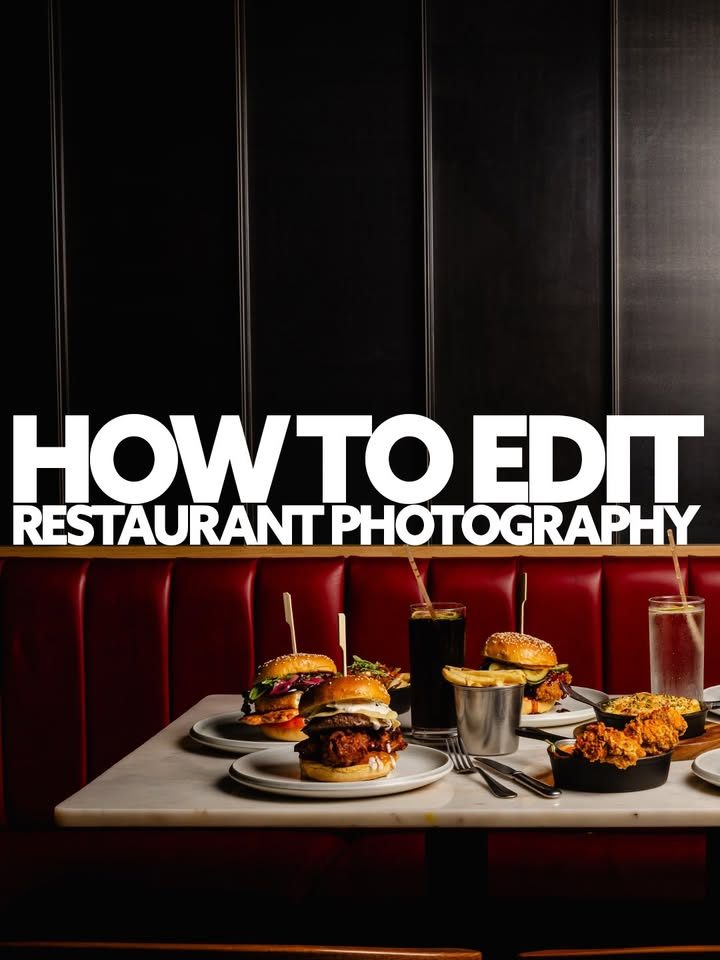
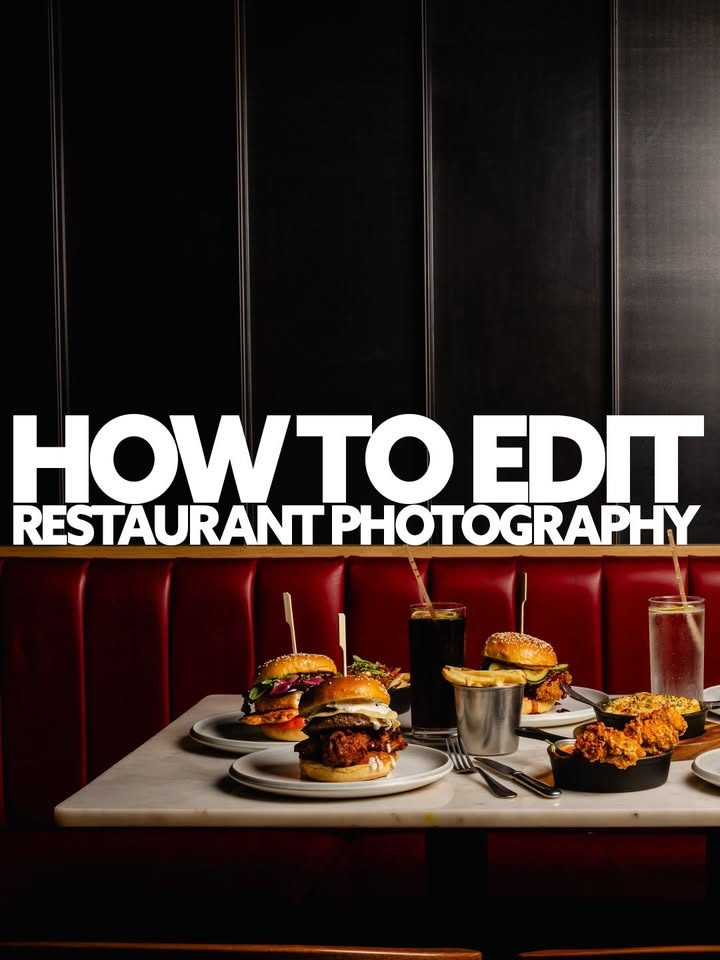
HOW I EDIT MY FOOD PHOTOGRAPHY (save for later)📸🍔
Ever wondered how I edit my food photography in Lightroom? 👀
Basically this is the order I edit all my shots in. Once I’ve done one image then I’ll do a sync across the full shoot. I always edit each shoot individually and don’t use presets (although mine are in the link in bio if you want them) ✅
One thing I’ve learnt over the years is that you don’t need to overcomplicate your editing process to get great results. For me the best editing is when the food looks as authentic as possible, key is really in the shooting and the editing should be minor tweaks 👊🏻
I like to keep things relatively simple, focusing on rich colours, natural food textures, controlled highlights and plenty of contrast without making the images look overprocessed
And the biggest thing? Getting your lighting right in-camera makes the editing process so much easier! 💡
Any editing questions or content you want to see? Let me know in the comments 👍🏻
❤️ Like & Follow Cameron McGarvey | Photographer for more food photography tips, Lightroom tutorials and behind-the-scenes content
Shot for Rumpus | Artisan burgers in Slaithwaite & Saltaire based in Slaithwaite 📍
Gear used:
📸 Sony A7R V
📸 Sigma 28-105mm f/2.8
💡 Godox AD600 PRO II
💡 Godox A6200 Pro II
📦 Godox 90 Softbox
🦯 K&F Concept 90”/230cm Horizontal Tripod
How to edit food photography in Lightroom | Lightroom editing tutorial for beginners | Professional restaurant photography editing | Food photography before and after editing | How to edit burger photography | Restaurant Photography Ideas | Content Tips For Instagram | Photography Tips | Creative Food Photography | Adobe Lightroom Editing Tutorial | Dark and Moody Food Photography | Editing Workflow